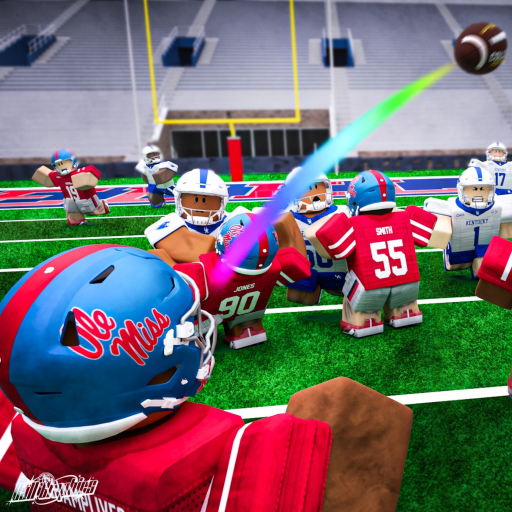
Road to Glory Football Download and Open the Roblox Game
Quick answer
- Official entry: Use the Roblox experience page for Place 120458890713784.
- Identity: The developer group is Road to Glory: College Football.
- Devices: The developer advertises PC, console and mobile.
Open the exact experience
To access Road to Glory Football, use its official Roblox experience page. The entry Place ID is 120458890713784, and the developer group is Road to Glory: College Football. Match those details when search results mix several similarly named football games.
Use Roblox's own launch flow for the device you are playing on. A separate download advertised under the game's name does not replace the identity check on the official experience entry.
Prepare the device for football
The developer explicitly advertises PC, console and mobile support, with fullscreen and a high frame rate recommended. Choose a setup that keeps the ball and relevant player readable instead of beginning with an unnecessarily busy view.
Once the game opens, get movement and the camera comfortable before combining them with a football action. Use controls to choose the appropriate device lesson. A gameplay demonstration can show the setting without being a map of every device's inputs.
Choose a first session after launching
Start with a role you want to learn rather than immediately chase the ideal final player. The beginner guide connects that choice with a manageable session, while player creation explains the builder stages.
If a menu or field stops responding, use beta bugs to distinguish a waiting lobby from a stalled session. Keep game access, device preparation and the football lesson separate so a launch problem does not become a reason to change the character or spend a reward.