Road to Glory Football Controls: Learn the Football Actions
Quick answer
- Devices: The developer advertises PC, console and mobile support.
- Context: Receiving, coverage and passing create different input situations.
- Practice: Keep the field readable and rehearse one action before a busy possession.
Learn the action as well as the input
Road to Glory Football controls are easier to learn when you connect each action to a football purpose. A receiver wants to reach a useful catching opportunity. A defender wants to follow the opponent and contest the pass. A quarterback needs to connect a delivery with a teammate's movement.
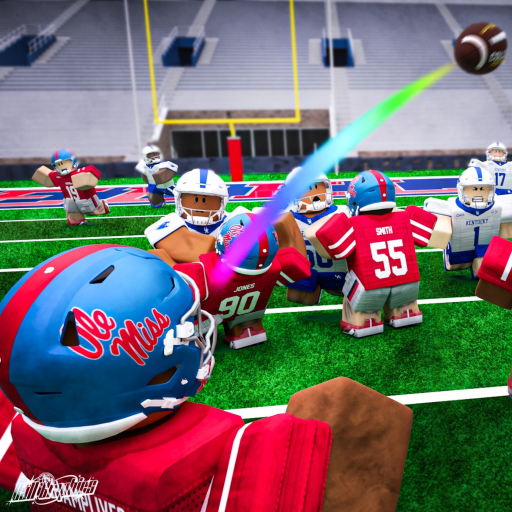
Keep movement and camera control comfortable before combining them with the football action. The gameplay below supplies match context; it is not a substitute for the input labels displayed by your own device.
Separate a late decision from a failed input
An action that happens too late is a different problem from an action that never activates. If you lose sight of the receiver while moving, improve the view and tracking first. If the control never responds, focus on the input setup rather than immediately changing the player build.
Start with one small rehearsal: move while keeping the relevant player visible, then add the football action. That gives you a practical way to distinguish a busy possession from a basic input problem without inventing a universal key map.
Choose the device lesson you need
Use PC controls for the mouse-and-keyboard setup, mobile controls for touch visibility, or console controls for controller preparation. The developer recommends fullscreen and a high frame rate where the device allows it.
If an action stops responding in a stalled session, use controls not working. Keep the correction attached to the symptom: clearer tracking, a more deliberate football decision or a device input issue each needs a different response.