Road to Glory Football Mobile Controls: Keep the Play Readable
Quick answer
- Support: Mobile play is explicitly advertised by the developer.
- Visibility: Give the moving player and ball enough visible space on the screen.
- Goal: Practice a small football task before adding several touch actions together.
Protect the part of the screen that shows the play
Mobile controls in Road to Glory Football need a readable view as much as a reachable button. Keep the ball and the relevant player visible while using touch movement. If your hands obscure the receiver or the landing area, change your grip and simplify the action before judging the player build.
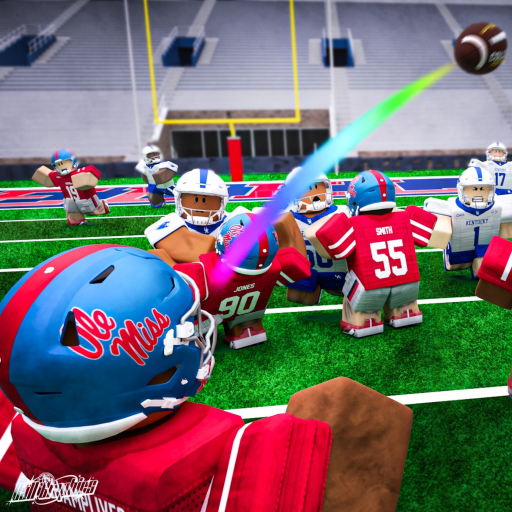
The developer explicitly supports mobile. The gameplay below shows the football setting; it does not demonstrate a separate touch-button map. Use the actual touch controls displayed by the game for your session.
Learn one combination at a time
Begin with movement and the camera, then add the football action that serves your role. A receiver can concentrate on reaching a deliberate route; a defender can concentrate on staying connected to the opponent. A small task gives your hands a useful job without requiring every control at once.
If a button activates but the play still fails, think about the football moment. If it never activates, concentrate on touch reach, accidental overlap and the state of the client. Those are different problems and do not call for the same correction.
Keep the first touch session manageable
Choose a short learning goal for the next possession rather than immediately directing every part of a match. Keep the view and grip consistent while practicing it. The developer recommends a high frame rate where possible, so favor a stable session over unnecessary visual complexity.
Use controls for the football action context and input troubleshooting when the controls stop responding. Once touch movement feels deliberate, the multiplayer guide helps turn it into a useful team contribution.